

Search Tips

Law Clerks From 2001-2013
Card image cap

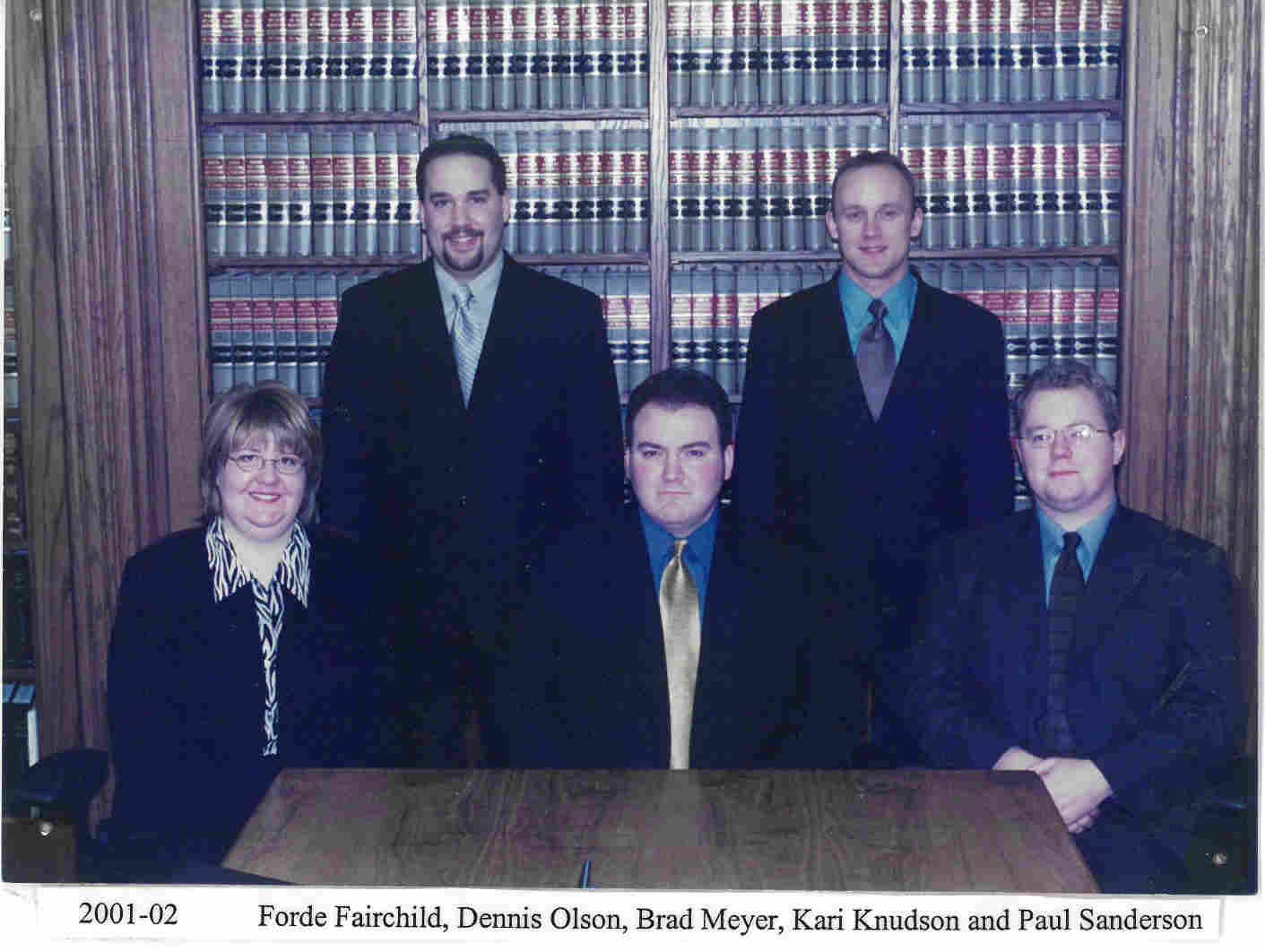
2001-2002 Back: Dennis Olson, Brad Meyer
Front: Kari Knudson, Forde Fairchild, Paul Sanderson
Card image cap

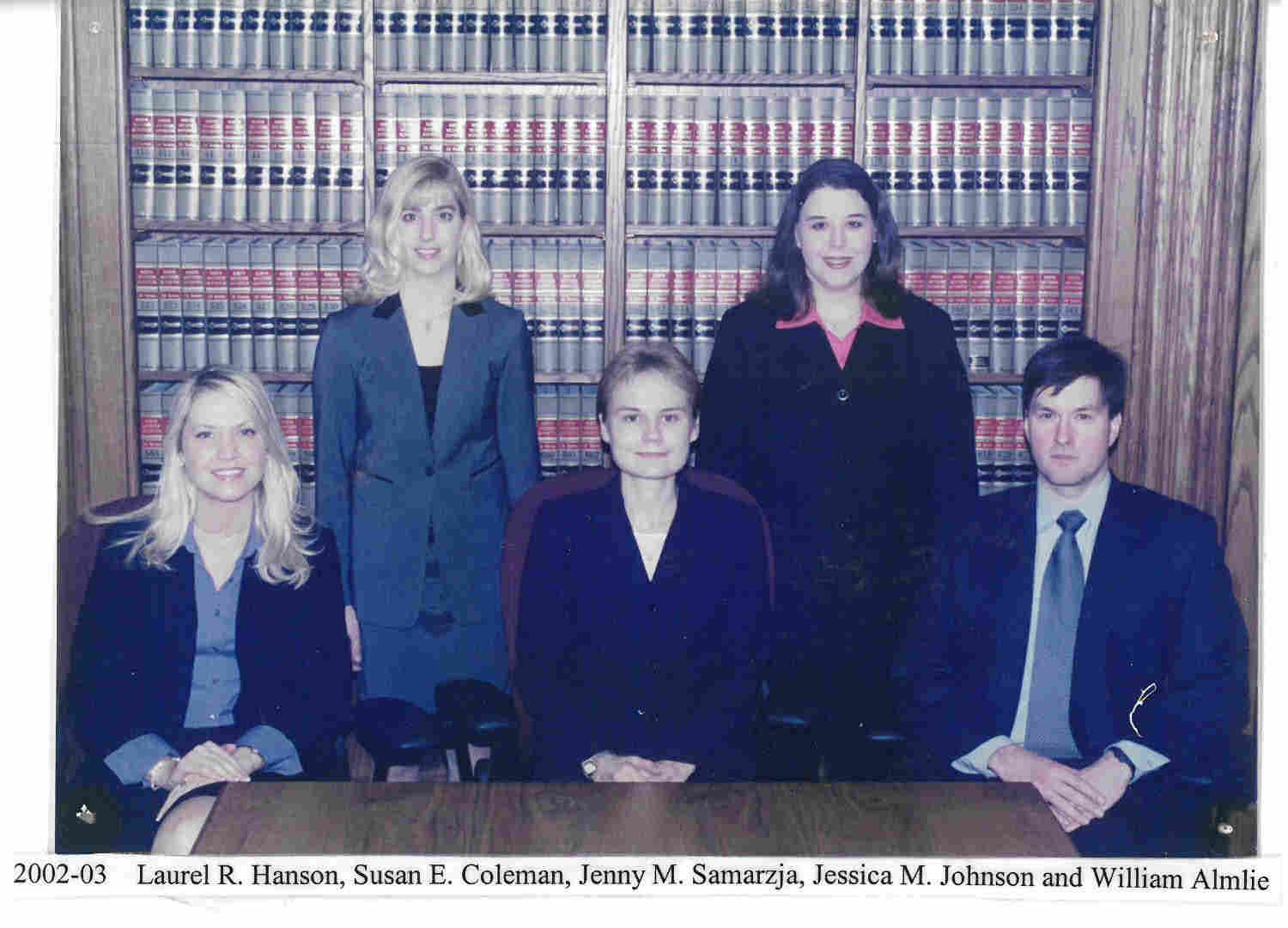
2002-2003 Laurel Hanson, Susan Coleman, Henny Samarzja, Jessica Johnson, William Almlie
Card image cap

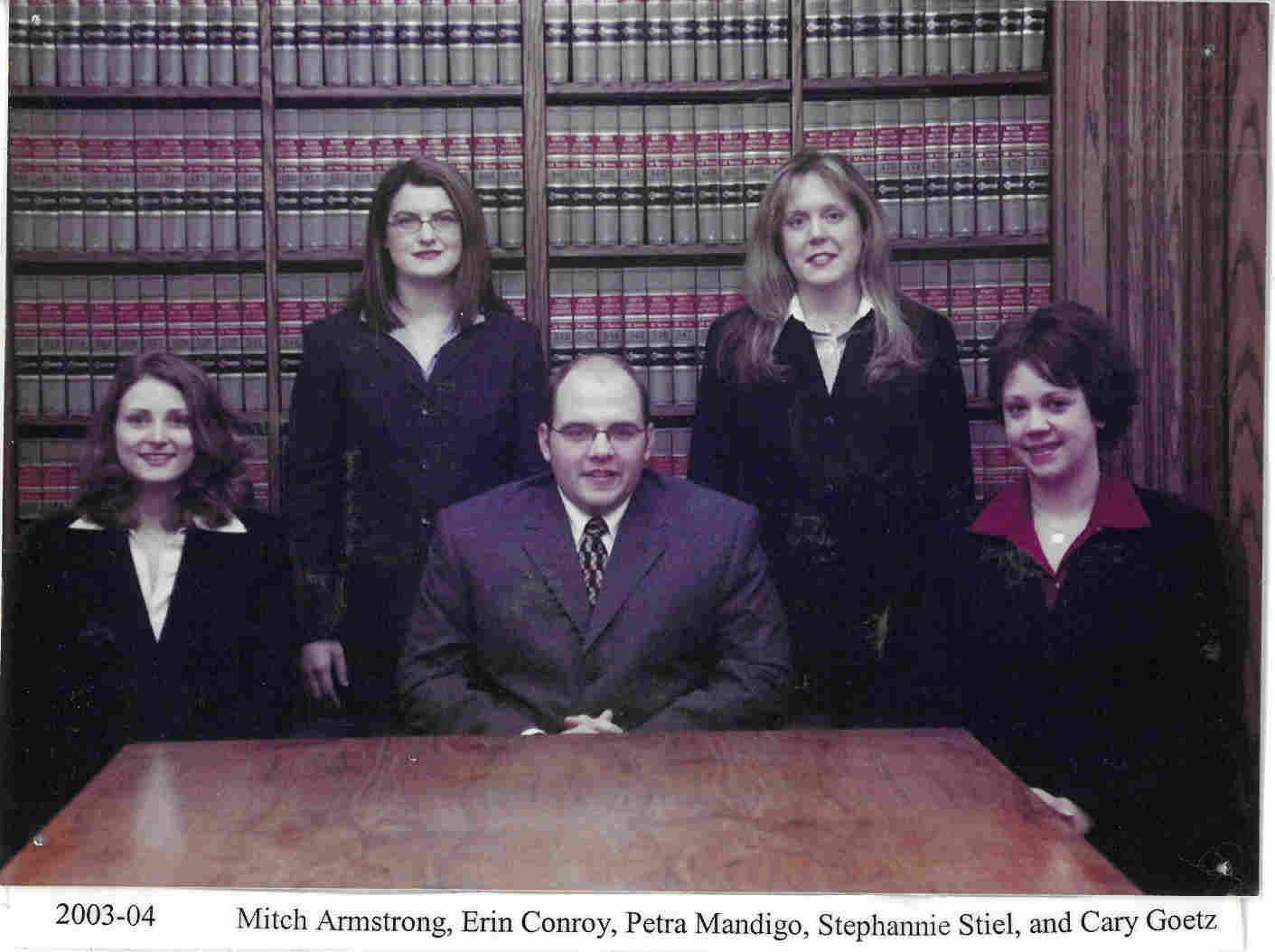
2003-2004 Back: Erin Conroy, PEtra Mandigo
Front: Stephanie Stiel, Mitch Armstrong, Cary Goetz
Card image cap

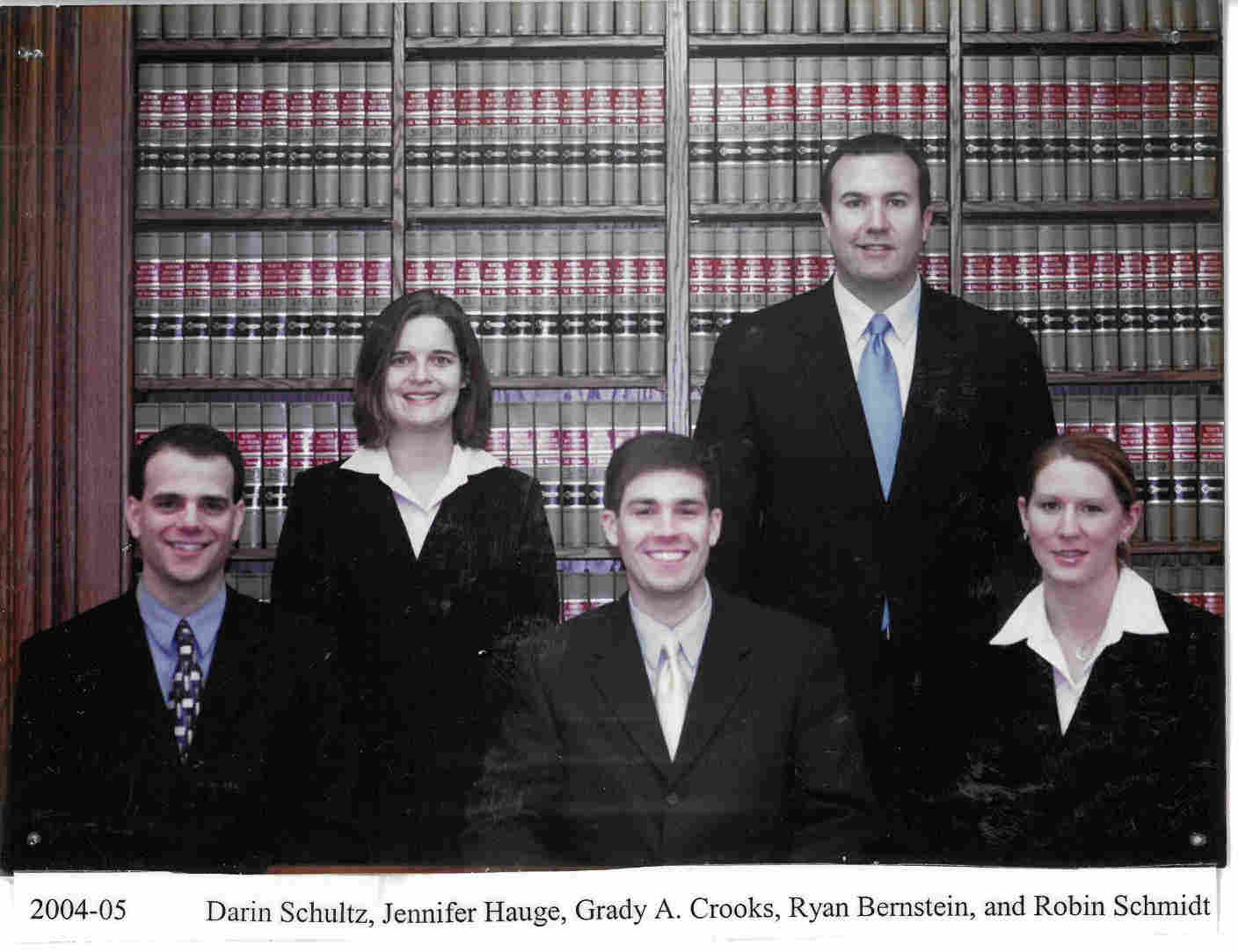
2004-2005 Back: Jennifer Hauge, Grady Crooks
Front: Ryan Bernstein, Darin Schultz, Robin Schmidt
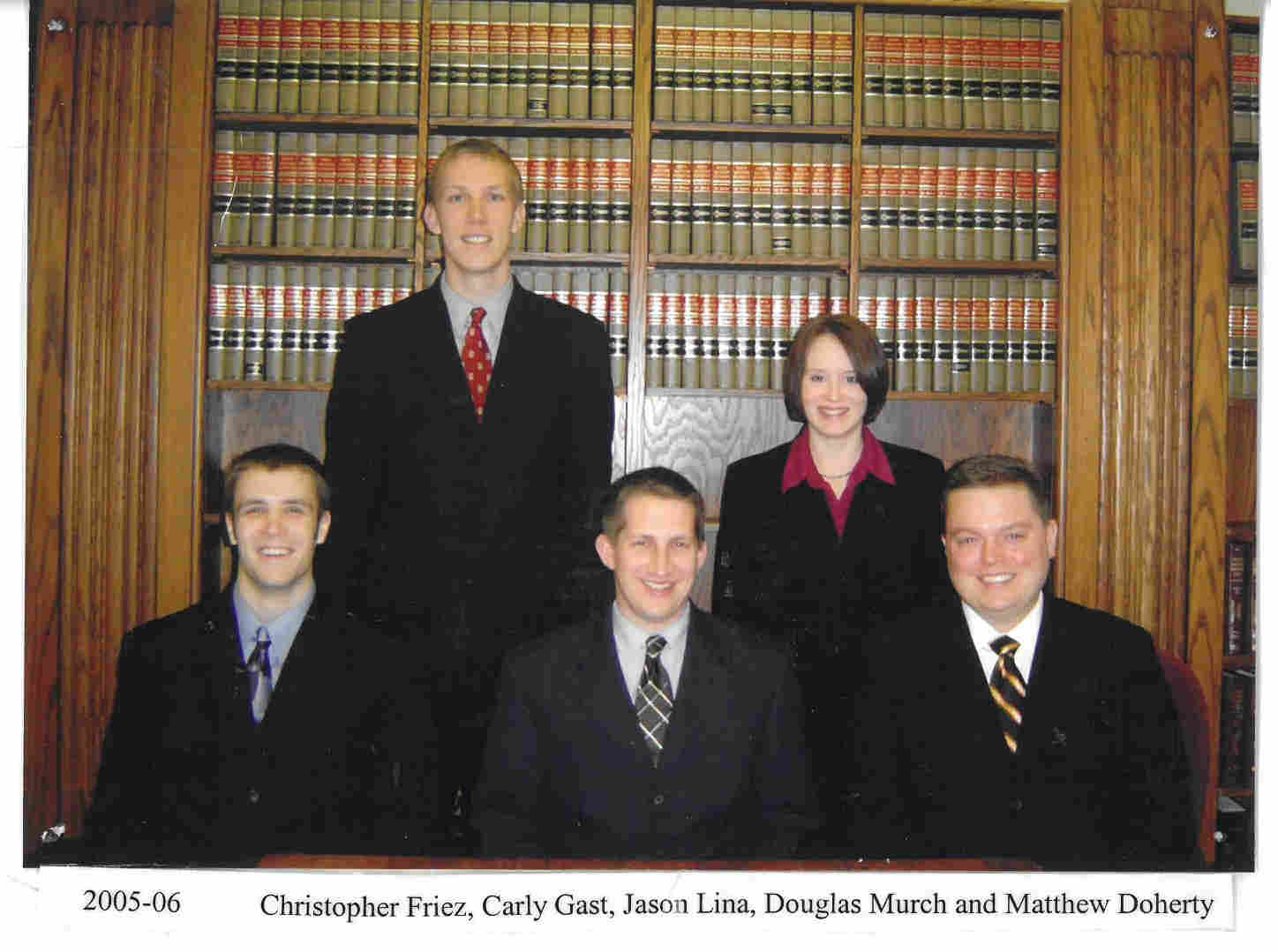
Card image cap

2005-2006 Back: Matthew Doherty, Carlye Gast
Front: Douglas Murch, Crhistopher Friez, Jason Lina
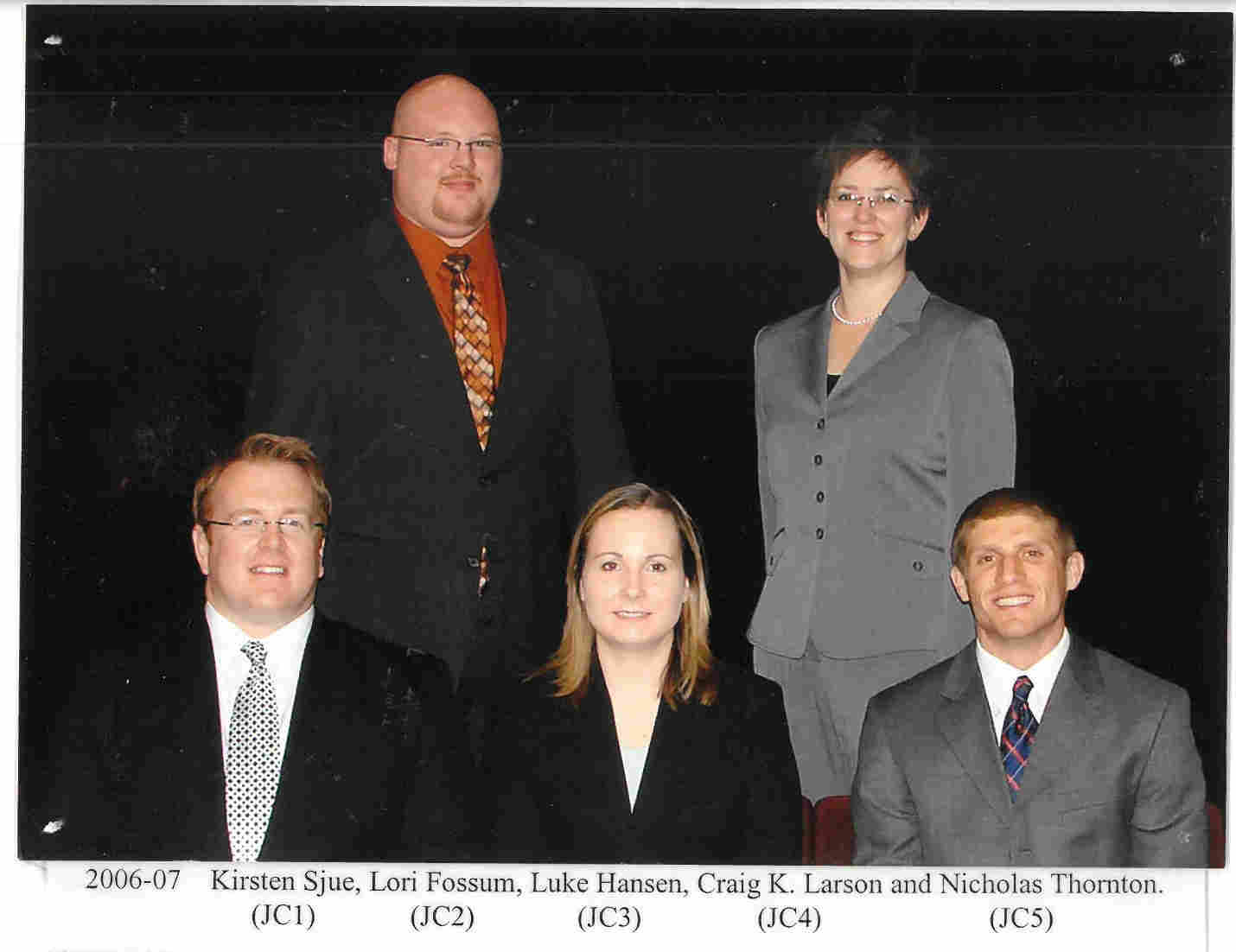
Card image cap

2006-2007 Back: Nicholas Thornton, Lori Fossum
Front: Craig Larson, Kirsten Sjue, Luke Hansen

Card image cap

2007-2008 Back: Elizabeth Pendlay, Kirsten Franzen
Front: Andrew Forward, Ashley Samuelson, Margretta Hanson
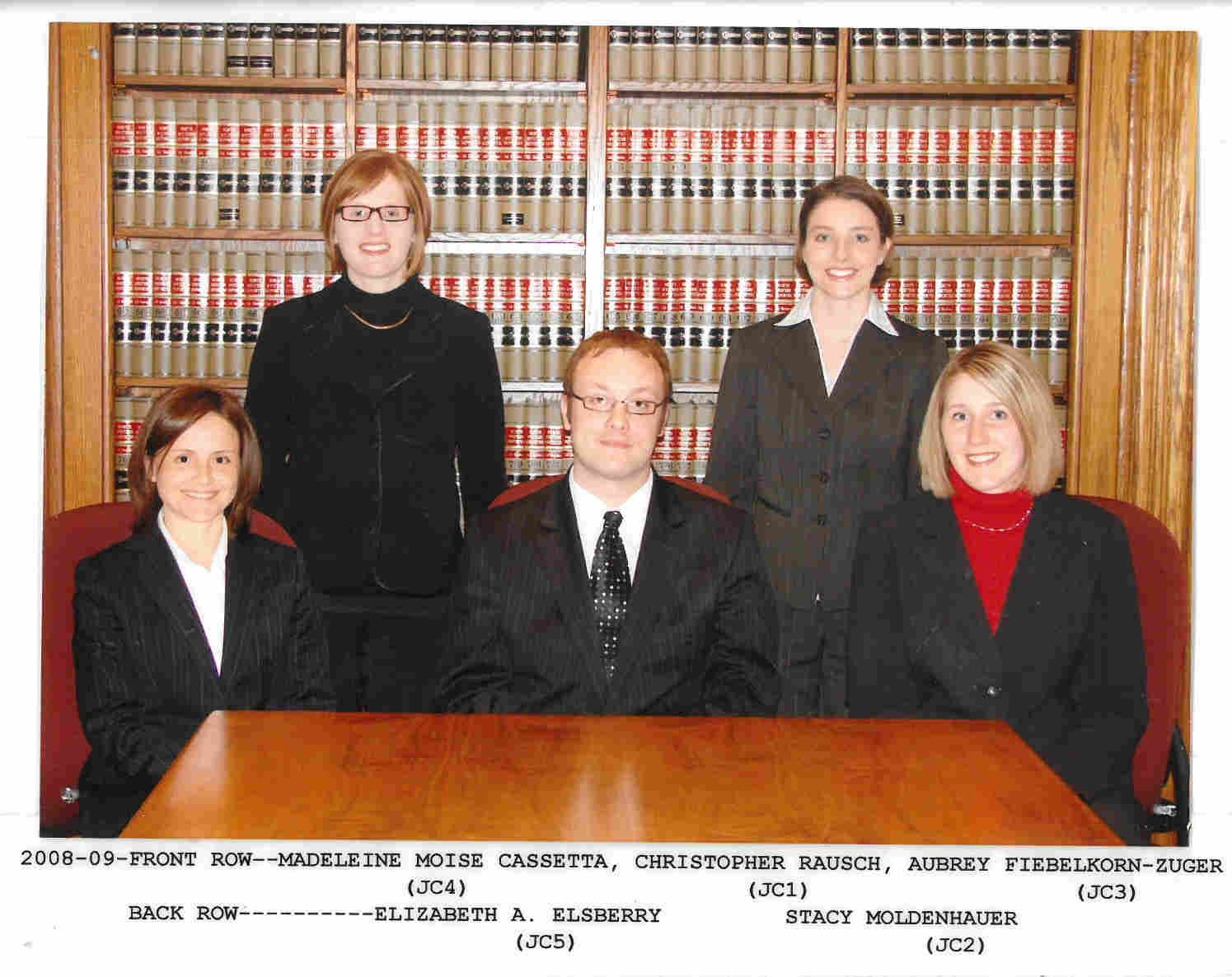
Card image cap

2008-2009 Back: Elizabeth Elsberry, Stacy Moldenhauer
Front: Madeleine Moise Cassetta, Christopher Rausch, Aubrey Fiebelkorn-Zuger
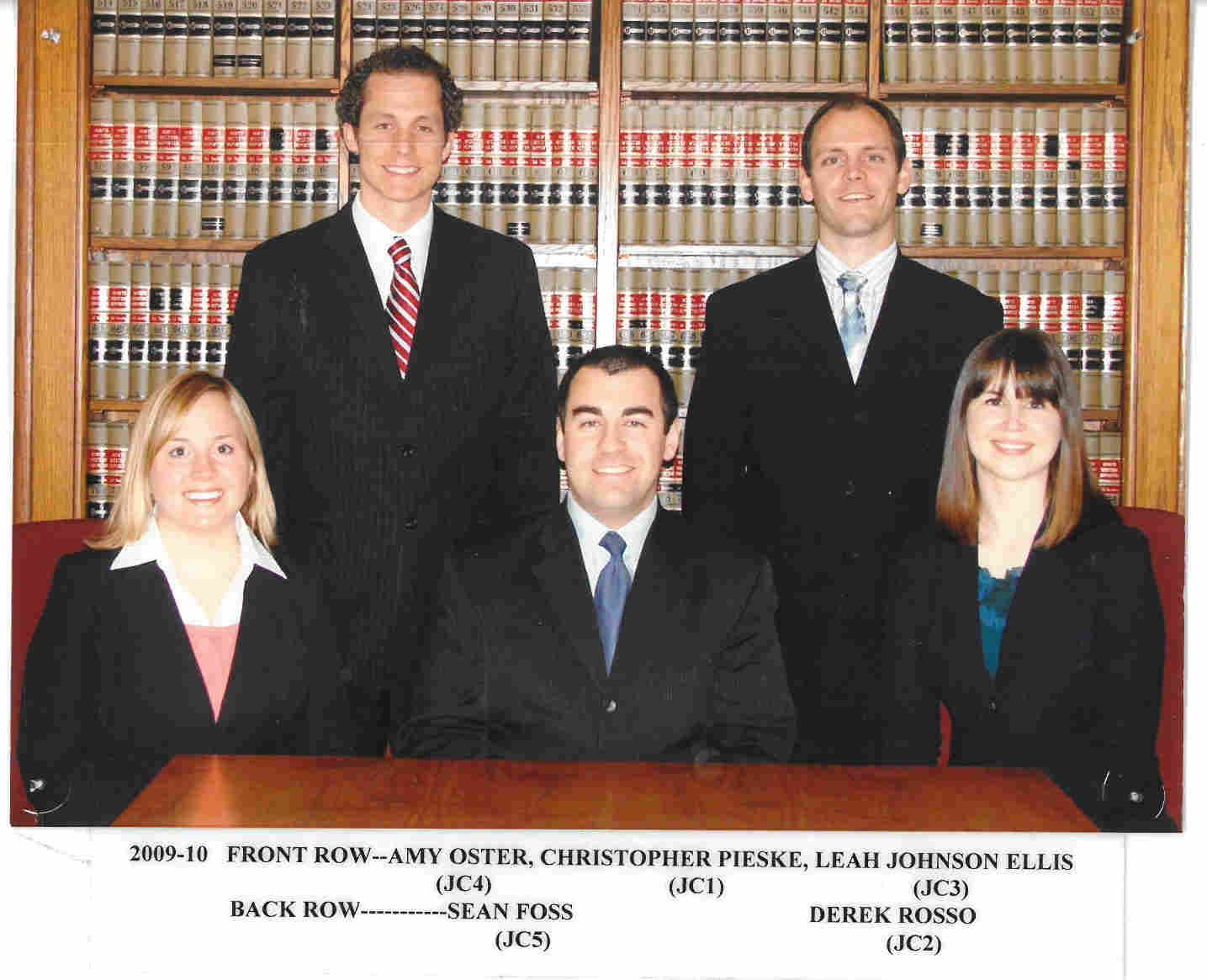
Card image cap

2009-2010 Back: Sean Foss, Derek Rosso
Front: Amy Oster, Christopher Pieske, Leah Johnson Ellis
Card image cap

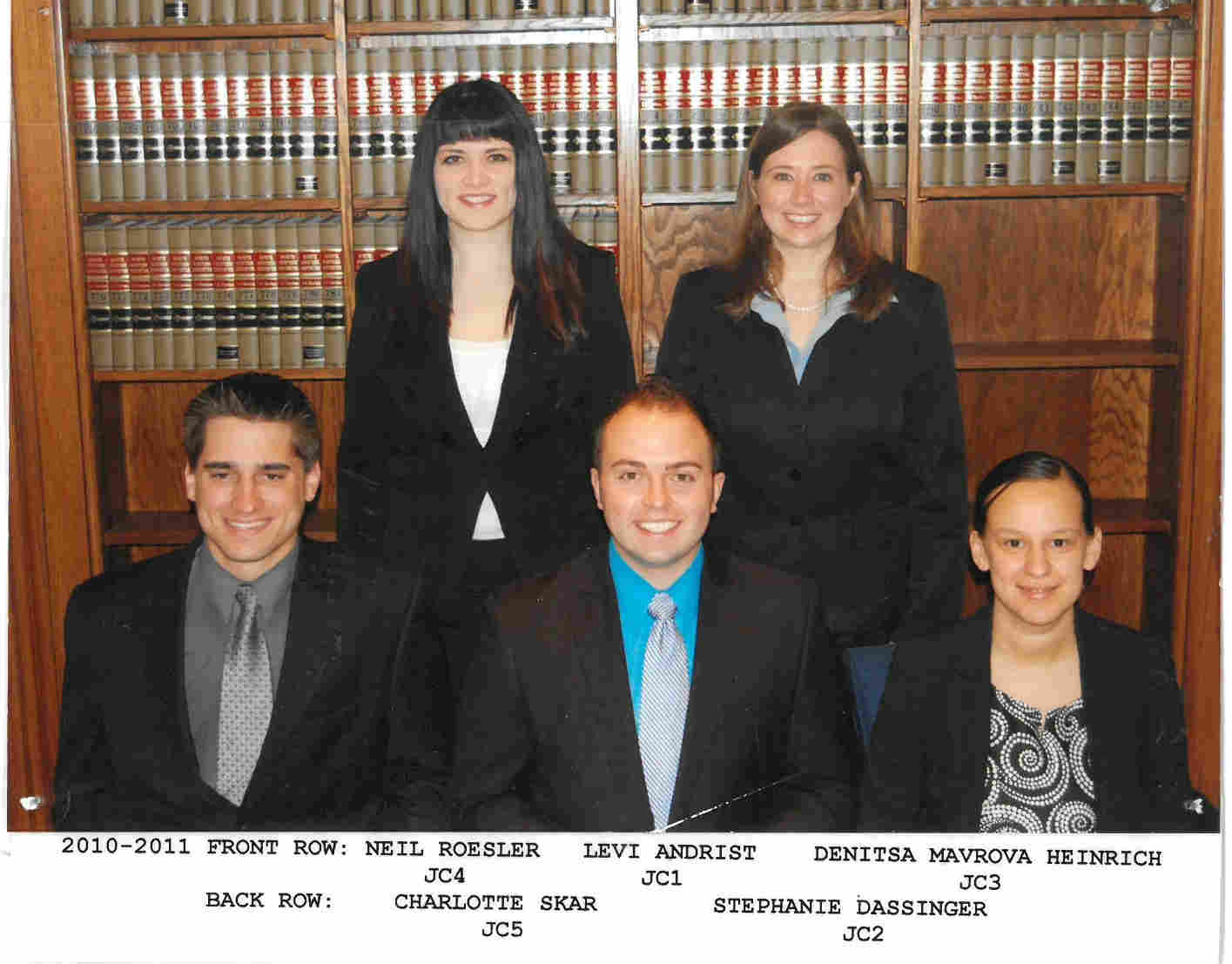
2010-2011 Back: Charlotte Skar, Stephanie Dassigner
Front: Neil Roesler, Levi Andrist, Denitsa Mavrova Heinrich
Card image cap

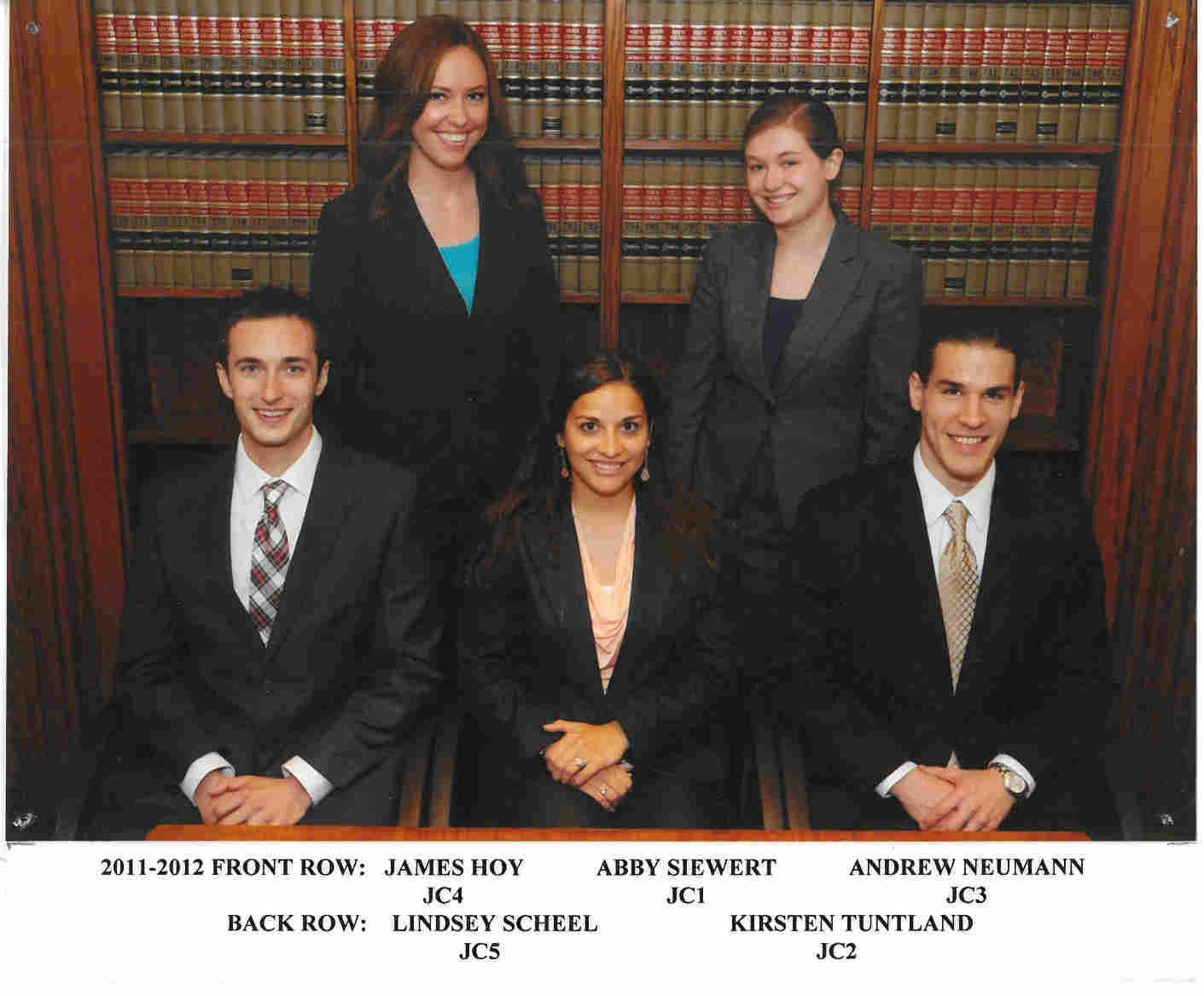
2011-2012 Back: Lindsey Scheel, Kirsten Tuntland
Front: James Hoy, Abby Siewert, Andrew Neumann
Card image cap

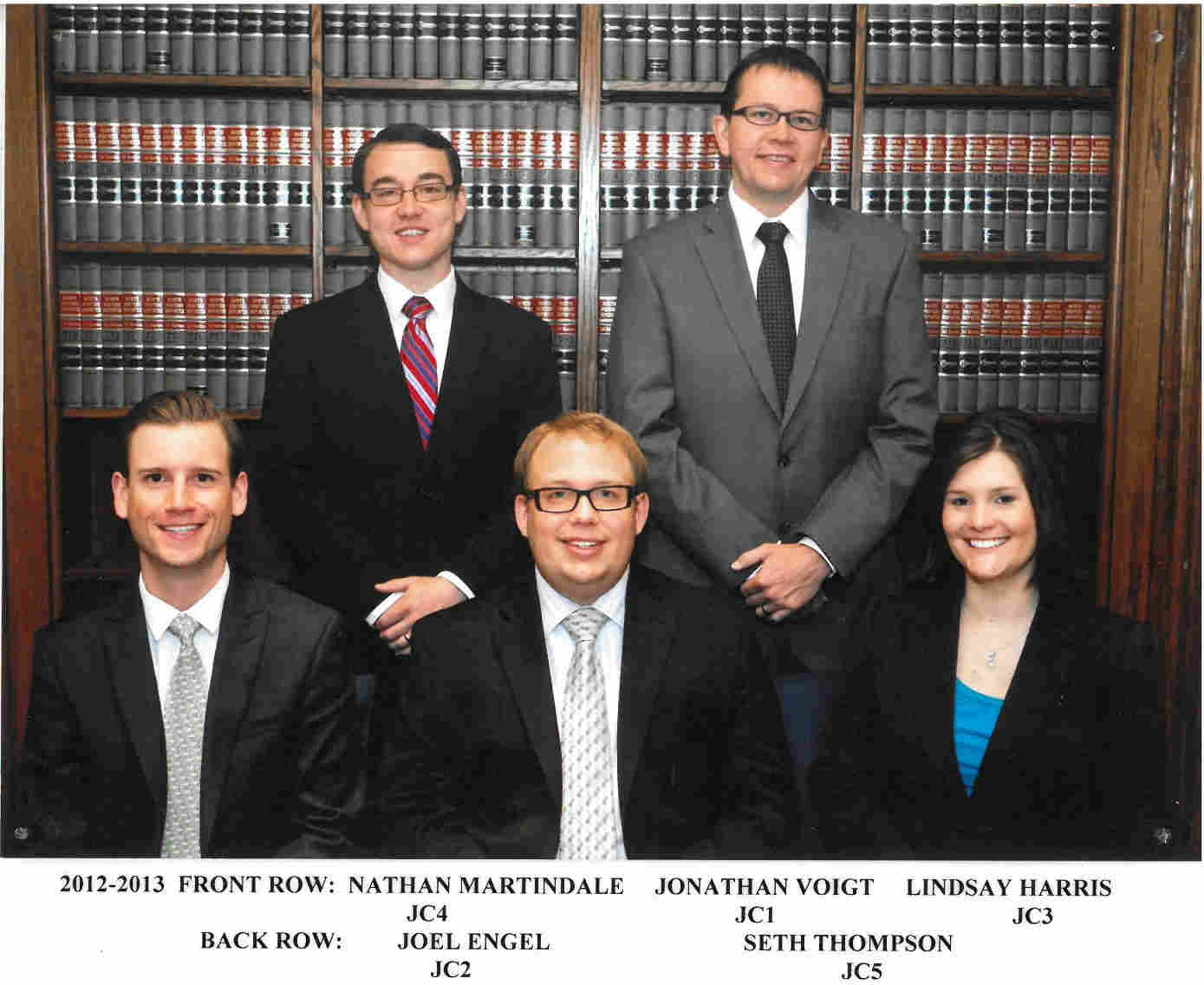
2012-2013 Back: Joel Engel, Seth Thompson
Front: Nathan Martindale, Jonathan Voigt, Lindsay Harris


Runtime Error

Server Error in '/' Application.

Runtime Error

Description: An application error occurred on the server. The current custom error settings for this application prevent the details of the application error from being viewed remotely (for security reasons). It could, however, be viewed by browsers running on the local server machine.

Details: To enable the details of this specific error message to be viewable on remote machines, please create a <customErrors> tag within a "web.config" configuration file located in the root directory of the current web application. This <customErrors> tag should then have its "mode" attribute set to "Off".


<!-- Web.Config Configuration File -->

<configuration>
    <system.web>
        <customErrors mode="Off"/>
    </system.web>
</configuration>

Notes: The current error page you are seeing can be replaced by a custom error page by modifying the "defaultRedirect" attribute of the application's <customErrors> configuration tag to point to a custom error page URL.


<!-- Web.Config Configuration File -->

<configuration>
    <system.web>
        <customErrors mode="RemoteOnly" defaultRedirect="mycustompage.htm"/>
    </system.web>
</configuration>